$20
FILMIC: CUSTOM GRADING PACK
FILMIC LUT PACK:
4 Looks in 1!
This pack has been a long time in the making...
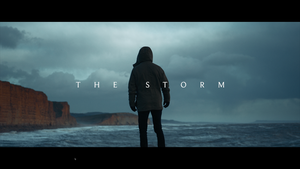
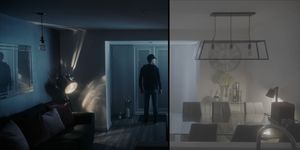
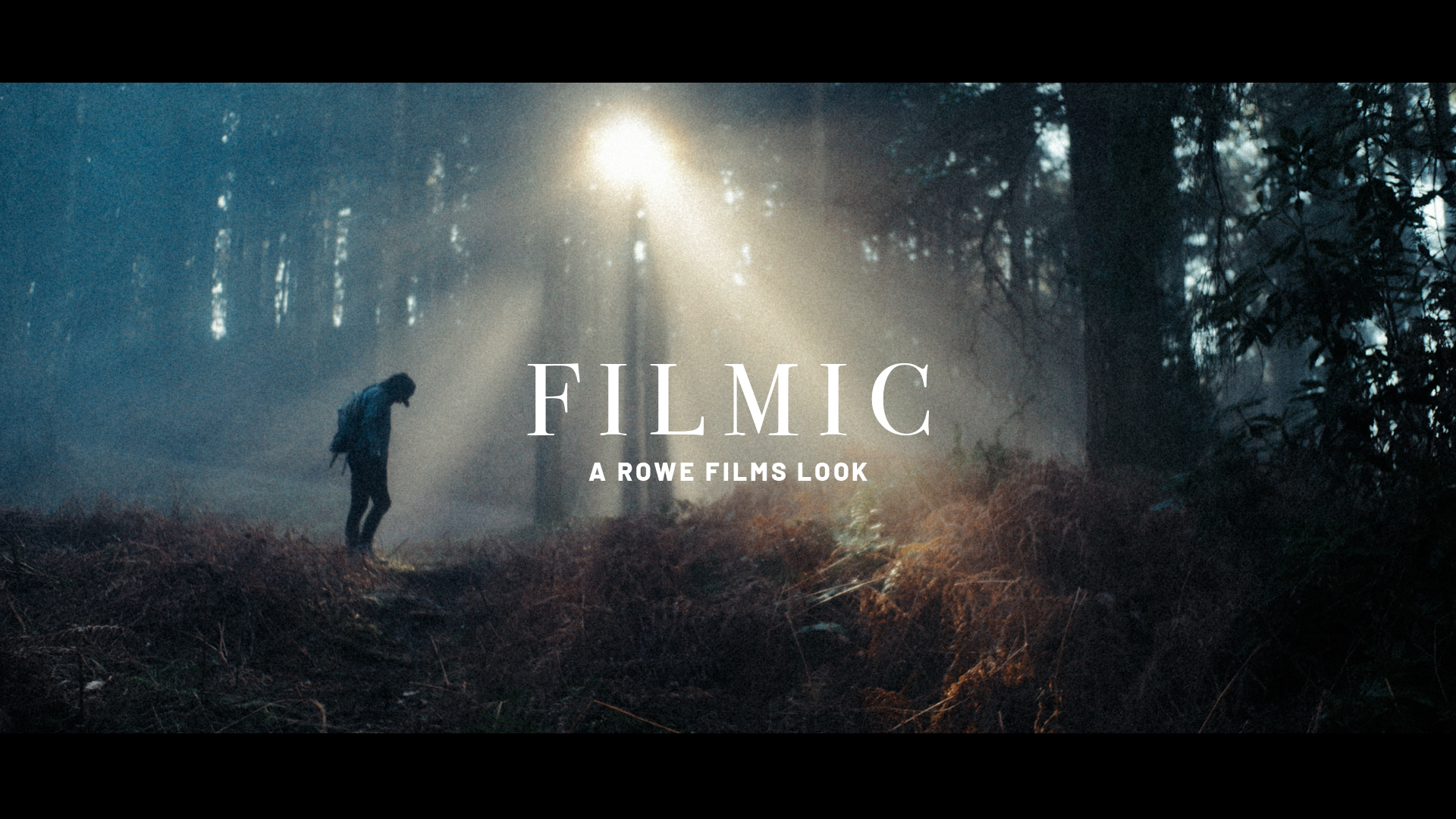
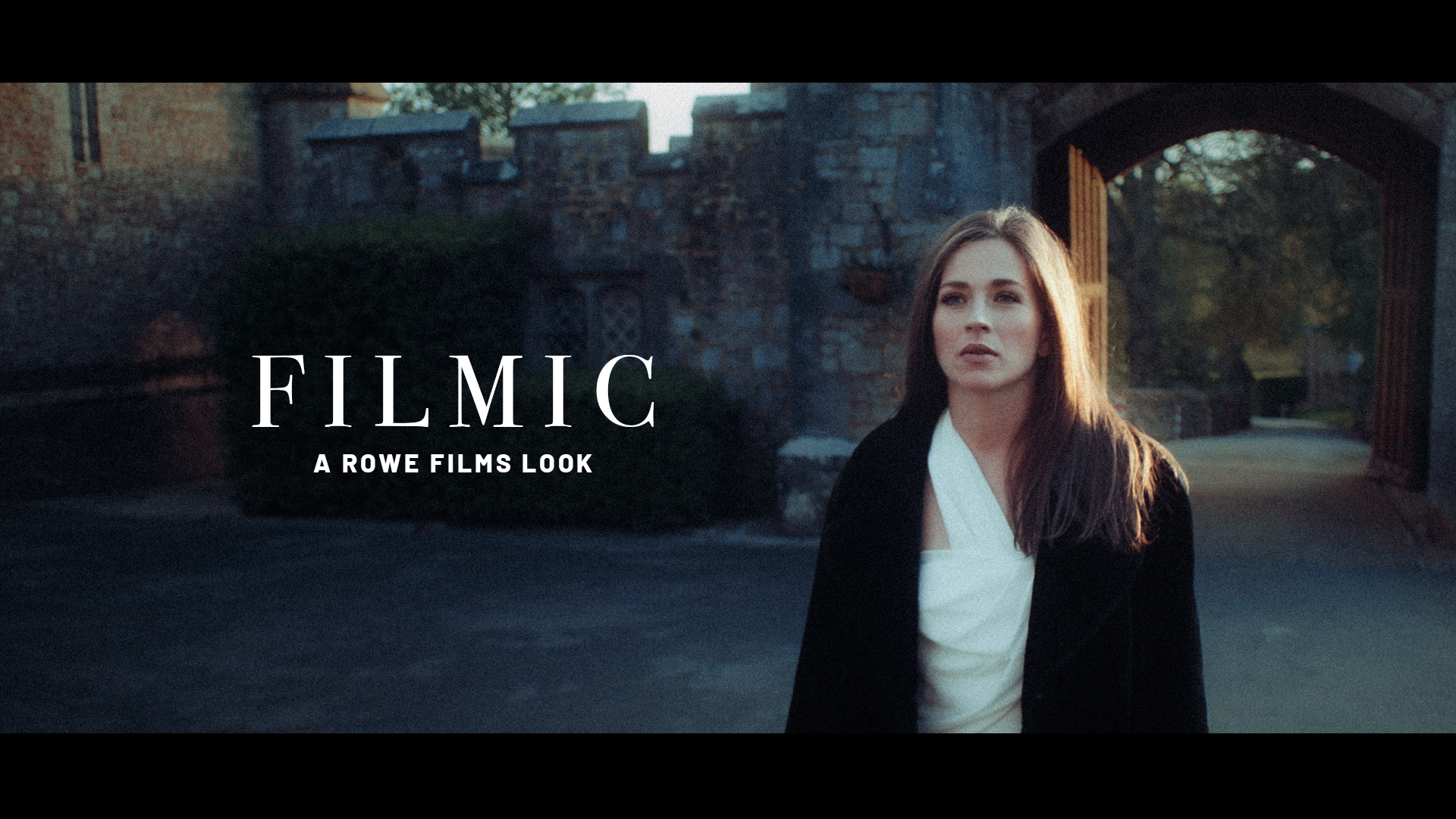
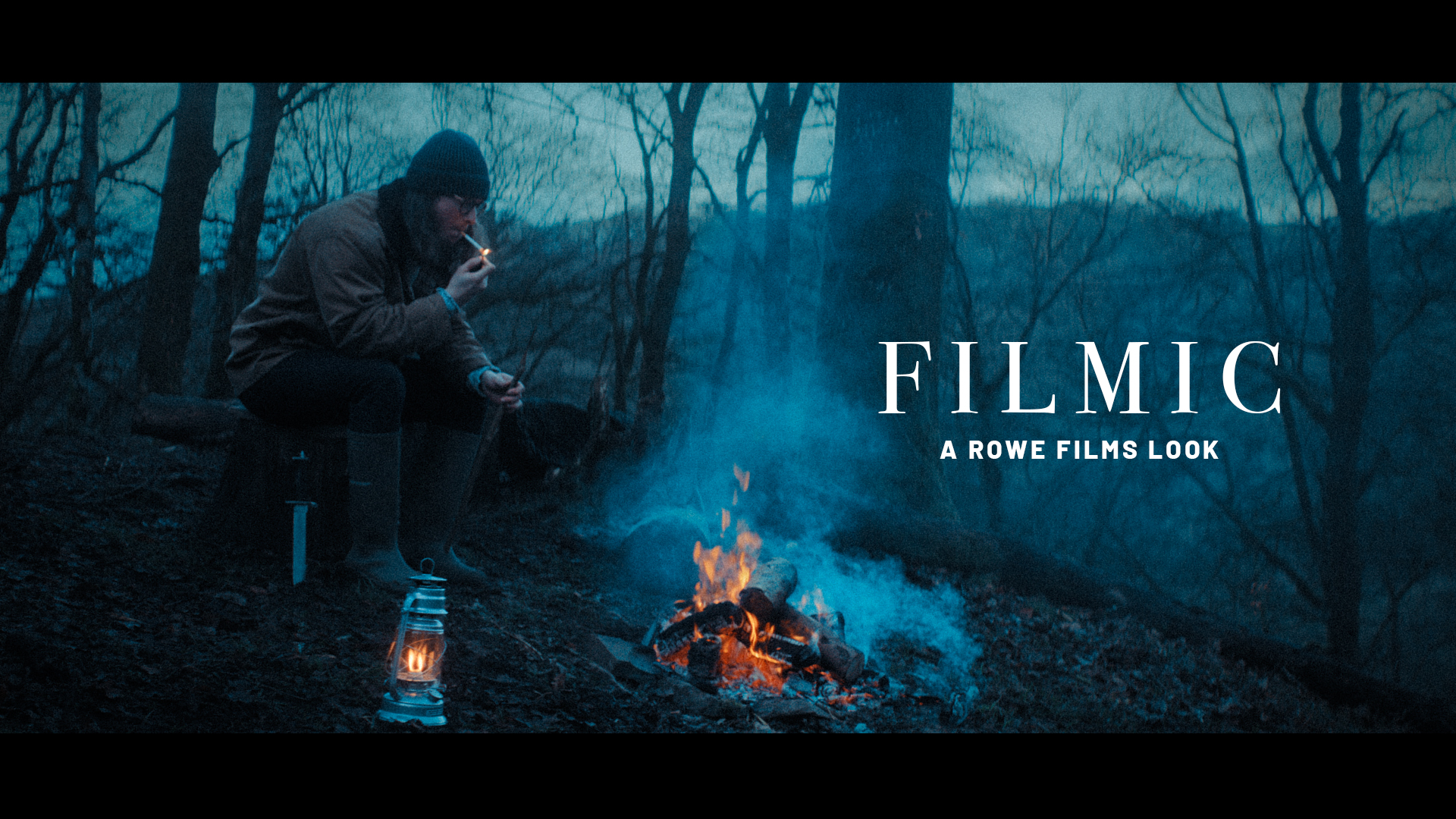
Inspired by classic film colours, these LUT's give your footage a recognisably filmic but contemporary look. Give your footage that special quality with a simple drag and drop!
The pack includes 4 different looks made for both Panasonic LUMIX V-Log footage, and standard Rec.709 footage from any camera.
Watch the looks in action here!
What's Included?
The pack includes a total of 8 LUT files, comprising 4 separate looks for both Panasonic LUMIX V-Log, and any other Rec.709 footage from any camera:
- FILMIC 1 VLOG: For V-Log
- FILMIC 1 R709: For any Rec.709 footage
- FILMIC 2 VLOG: For V-Log
- FILMIC 2 R709: For Rec.709
- FILMIC 3 VLOG: For V-Log
- FILMIC 3. R709: For Rec.709
- FILMIC 4 VLOG: For V-Log
- FILMIC 4 R709: For Rec.709
All files are in .CUBE format and compatible with any video editor that supports third party LUTs.
They have been thoroughly stress tested using footage from the following cameras:
- Panasonic LUMIX GH5S
- Panasonic LUMIX GH6
- Panasonic LUMIX GH7
- Panasonic LUMIX BGH1
- Panasonic LUMIX BS1H
- Panasonic LUMIX S5II
- Panasonic LUMIX S5IIX
- Panasonic LUMIX S1RII
- Panasonic LUMIX S1II
FAQ
1. What cameras and profiles will these LUTs work with?
The look has been developed for both Panasonic V-Log footage, as well as Rec.709 footage from any camera.
2. Will they work with VLog-L (VLog Lite) footage from cameras such as the GH5 and GH5S?
Yes. I have tested these LUTs thoroughly using footage from both the GH5 and GH5S. As the LUT is made for all LUMIX cameras that shoot both VLog-L and the 'full' VLog, you can reduce the strength/opacity of the LUT ever so slightly to account for the Lite version of the Log Curve. I found around 90-95% was about right to get the levels sitting where they should be.
3. Do I need to apply a Log to Rec.709 conversion to the footage first?
No. The LUTs were developed with the V-Log conversion built into the LUT, so there is no need for any conversions prior to applying the LUT. The end result will be a graded Rec709 image. Alternatively, you can apply your favoured Log to Rec.709 conversion, and then use the R709 version of the LUTs to apply the look to taste. The LUTs are very flexible, and you can dial them in to taste, meaning you can apply a small amount of the look to your footage to give it a slightly stylised look, even if you don't want to go full beans!
4. Will the LUTs work with footage from other cameras?
Yes. The REC709 versions of the LUTs can be applied to footage from any camera. If you have shot in a different brand's Log Gamma, you just need to do a standard Log to Rec.709 conversion before applying the look. Having Rec.709 versions of the look means you can easily mix cameras and different source footage, but match them together nicely in a cut.
5. Will these LUTs work in my chosen editing software?
The included .CUBE files can be used in any video editor that supports the application of third party LUT files such as; Final Cut Pro X, Adobe Premiere & DaVinci Resolve. They can also be used in Adobe Photoshop via a 'Color Lookup' adjustment layer, meaning you can apply them to stills photography too.
Adobe Lightroom requires workarounds that allow you to apply LUTs within Lr. We recommend researching how to do that because .CUBE files aren't natively supported.
Using The LUTs
For Panasonic V-Log Footage: Simply add the V-Log version of the LUT files to your V-Log footage, tweak your exposure levels and saturation to taste, and you're good to go.
For any other Rec.709 Footage: Add the REC709 versions to your footage, tweak your exposure and saturation levels to taste.
Pro Tips
I recommend you make some minor adjustments to the footage underneath/before the LUT file, in order to achieve the look you desire. These LUTs have been designed to be versatile, but source footage almost always needs some minor tweaks when applying any LUT.
Depending on the editor you use, add your adjustments before the LUT in the grading pipeline. You can then tweak your exposure and contrast levels, saturation, colour temperature and tint, according to your own taste. These basic adjustments can give you a variety of different looks from the same LUT.
Once you've applied the look on top, you can go back to your adjustments below the LUT and experiment. For example, try shifting the temperature and tint to get very different looks from the same grade. If you want more colour, push the saturation to see the colours really pop out. Reducing the saturation will give you a more muted look. The LUTs behave differently depending on the colour temperature of the image they're applied to, and this is what makes them such versatile creative tools, so cool your image down, or warm it up, to see how this changes the look you're able to achieve. A colder image will bring out more blue and cyan, whereas a warmer image will bring out oranges and yellows.
You can also try experimenting with the overall strength/opacity of the LUT to reduce the strength of it and achieve a more subtle look. Applying the LUTs at 25-50% strength/opacity will give you a subtle stylised look.
Trust your eyes, but it's also good practice to keep referring to your scopes, such as waveform and vectorscope, to see exactly what's happening to your levels and colours.
Remember - Key to getting a good result in any colour grading workflow is capturing a solid image in camera first. Make sure you are capturing images with good exposure levels, and proper white balance. No LUT or grading tool will give you good results with an under (or over) exposed image.
Finally, as these looks are heavily inspired by the classic film looks of times gone by, its worth experimenting with adding film grain, bloom, and halation, to achieve a convincing film emulation in a few easy steps.
HAPPY GRADING!

Terms & Conditions
You will receive a download link with your files as soon as your payment has cleared. The product is available worldwide, price listed in USD.
You will receive a .zip folder with the 4 looks in folders for V-Log, and Rec.709, totalling 8 separate .CUBE files.
If you are buying from overseas, you should receive the download straight away, but please allow a short amount of time for your payment to clear, depending on your physical location. Payments from some countries can take slightly longer to clear than others.
Be sure to check that your chosen software/editor supports the application of third party Look Up Tables, before purchasing.
Please save the LUT file somewhere safe, and create a backup, so you don't lose it. Once the download link has been sent, it cannot be sent again without a new purchase.
As this is a digital product, all purchases are strictly non-refundable.
Ownership of this digital product remains exclusively with © Rowe Films 2026.
Resale of this product or anything contained within it is strictly forbidden.
For more information about Rowe Films visit rowefilms.com
More products